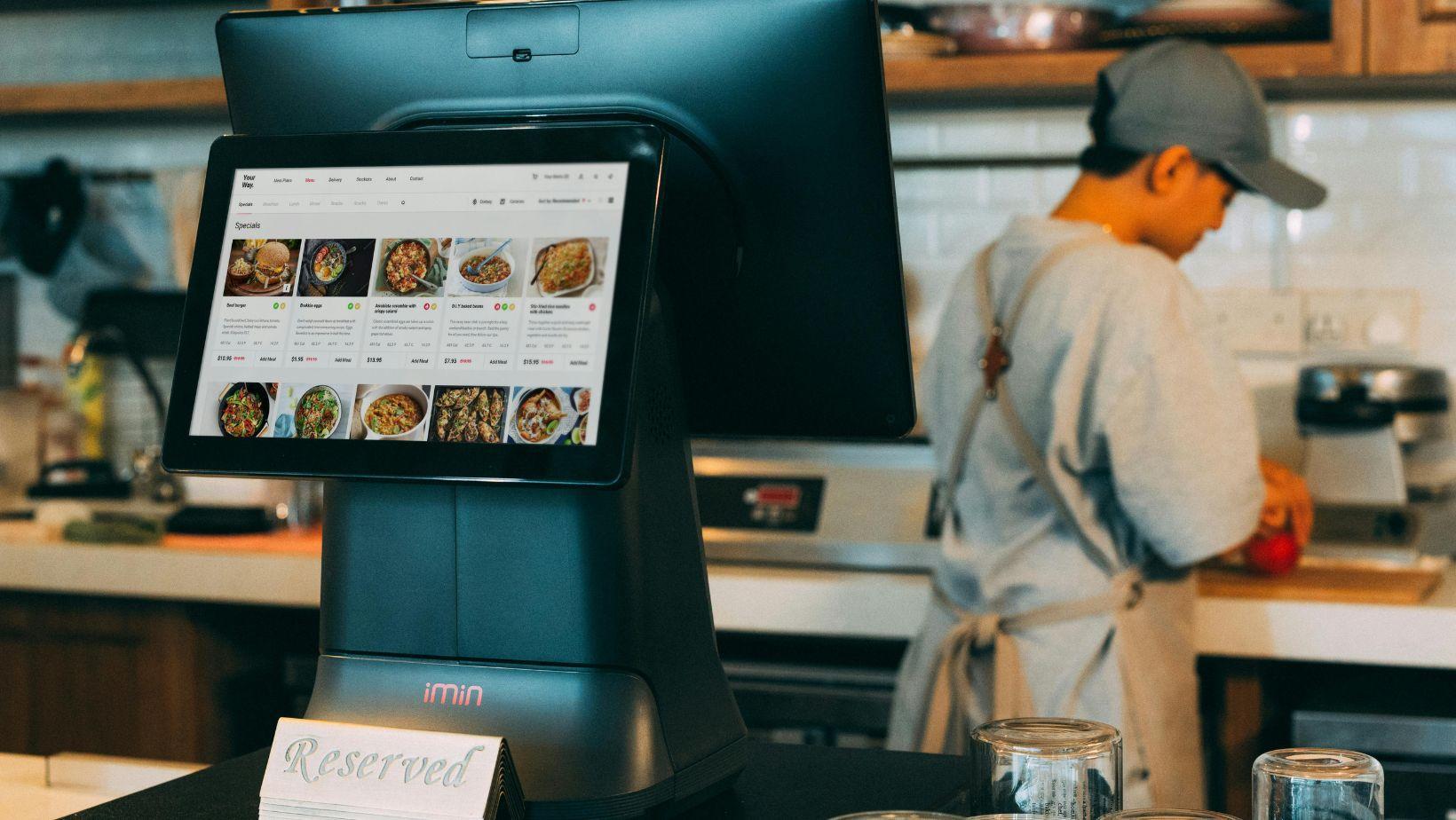
Paper tickets are killing your ticket times. The SkyTab kitchen display system integration changes how orders move from POS to prep station — but before you rip out your printers, you need to understand what you’re actually buying into. Is a KDS the right call for your operation, or just an expensive upgrade that looks good on paper? Here’s what I’ve seen work — and where setups break.
KDS vs. Kitchen Printers: The Real Operational Difference
A paper ticket does one thing: prints and sits there. No timestamps. No alerts. No visibility into which station is backed up. During a Friday dinner rush, that stack of paper on the hot line becomes chaos — tickets get buried, modifiers get missed, the expo guy is guessing.
A kitchen display system routes each order to the right prep station digitally, timestamps the ticket the moment it fires, and flags anything sitting past your defined threshold.
The catch is: SkyTab POS (built on Shift4’s cloud platform) doesn’t ship with a native KDS module. You’re integrating with a third-party vendor — KitchenTech, QSR Systems, QSR Display — through the Shift4 dashboard. That’s not a dealbreaker, but it means your setup complexity goes up.
How the SkyTab-KDS Integration Actually Works
Before you call a tech, run through this checklist. Most integration failures trace back to skipped steps here:
If you skip the expo screen configuration, your expediter is flying blind. I’ve seen kitchens run a KDS for two weeks before realizing the expo display was just echoing the grill screen — wrong setup, wrong workflow.
Ticket Times and Order Accuracy: What Changes (and What Doesn’t)
Here’s where it gets real. A KDS doesn’t automatically shorten ticket times. It gives you visibility you didn’t have before — and visibility lets you fix what’s actually slow.
During breakfast rush, the line cook sees every incoming ticket in sequence, color-coded by elapsed time. No digging through paper. No “did we get a table 12?” The order accuracy alert fires if a modifier combination doesn’t match what’s been bumped at the prep station.
Managers should review the available order and timing reports after service. The exact report names and fields depend on the KDS and Shift4 configuration, so confirm them during the demonstration.
The KDS doesn’t fix a chaotic kitchen. It exposes one.
Kitchen Display System Price: What You’re Actually Looking At
Let’s talk numbers. That range is wide because the variables are wide — a single-screen setup at a fast-casual counter is a different animal than a full multi-station deployment at a 200-cover full-service restaurant.
What drives cost up:
What drives cost down: fewer stations, simpler menus with clean category routing, and choosing a vendor that bundles hardware and software in one contract. No reliable flat-rate public pricing exists for SkyTab-specific KDS hardware — every quote depends on your Shift4 partner and the vendor contract. Get multiple bids.
ROI math is straightforward if you track remakes.
Common Failure Points (Edge Cases You’ll Actually Hit)
Two scenarios I see repeatedly in the field:
Expo screen timeout misfires. If expo_timeout_minutes is left at default and your kitchen runs slower during off-peak, tickets auto-clear before the runner grabs the plate. Food sits. Nobody knows. Fix: adjust the timeout to match your actual service pace, not the out-of-box setting.
Order accuracy mismatch after a menu update. You add a new modifier group in SkyTab, but the KDS routing rules don’t get updated. The new modifier fires to the wrong prep station or doesn’t display at all. Check: after any menu change in the Shift4 dashboard, audit your routing rules in the KDS vendor’s admin panel — they don’t sync automatically in most integrations.
When the integration breaks mid-service — and at some point it will — you need a fallback. Don’t decommission your kitchen printers on day one of KDS go-live. Run parallel for at least the first few service periods. A kitchen receipt printer as a backup isn’t a sign of a failed KDS deployment; it’s operational insurance while your team learns the new workflow and you validate that routing rules are firing correctly.
Before You Pull the Trigger: Verification Steps
If you’re evaluating whether to move from paper tickets to KDS with SkyTab, run through these before committing:
Check your current ticket time baseline. If you don’t have a number, you can’t measure improvement. Pull whatever data you have — even a rough average from your POS reports.
Map your prep stations on paper first. Which categories go where? Grill, sauté, cold, dessert, expo — every station needs a defined routing rule before the KDS goes live.
Verify vendor compatibility with your Shift4 account rep. Not every KDS vendor integrates cleanly with every SkyTab deployment configuration. Confirm before you purchase hardware.
Budget for the full stack. Hardware per station, vendor license, Shift4 integration support, and physical installation (mounting, cabling, network drops).
The decision to replace kitchen printers with a display system isn’t about chasing tech. It’s about whether your current paper-ticket workflow is the actual bottleneck — or whether the bottleneck is somewhere else entirely. A KDS surfaces the real problem. It doesn’t automatically solve it. Know that going in, and the investment makes sense. Skip that step, and you’ve got an expensive screen showing you the same chaos in higher resolution.