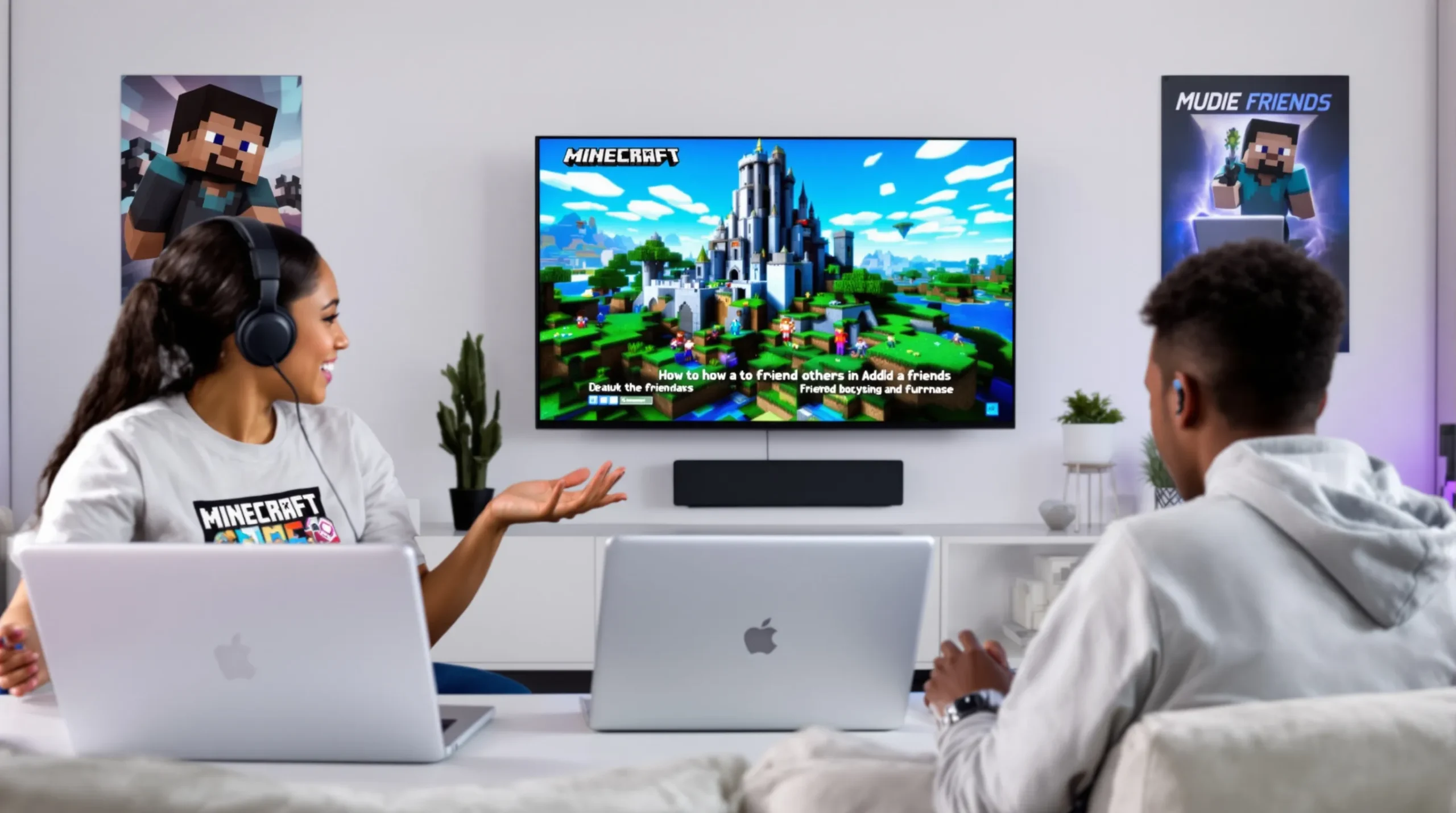
Picture this: You’re in Minecraft, standing on a cliff at sunset, your inventory full of loot, and you spot another player building a wild rollercoaster in the distance. You want to team up, but you’re not sure how to friend people on Minecraft. If you’ve ever felt that awkward pause—should I type in chat, send a request, or just walk away?—you’re not alone. Making friends in Minecraft can feel like trying to tame a wild wolf with nothing but a stick. But once you know how to friend people on Minecraft, the game opens up in ways you never expected.
Why Making Friends in Minecraft Changes Everything
Let’s be real: Minecraft is fun solo, but it’s a whole new world with friends. You can build epic castles, survive zombie hordes, or just goof off with someone who gets your sense of humor. If you’ve ever tried to take on a raid alone, you know the pain. Friends make the impossible possible—and the boring hilarious. Here’s the part nobody tells you: The real magic of Minecraft isn’t in the blocks. It’s in the people you meet and the stories you create together.
Who Needs This Guide?
If you’re new to Minecraft, or you’ve played for years but never figured out how to friend people on Minecraft, this is for you. Maybe you’re a parent trying to help your kid connect with classmates. Maybe you’re a solo player tired of wandering empty servers. Or maybe you just want to know how to friend people on Minecraft without feeling like a total noob. If you’re looking for step-by-step help, you’re in the right place. If you’re a hardcore solo survivalist who prefers creepers to people, you might want to skip this one.
How to Friend People on Minecraft: The Basics
Let’s break it down. Minecraft has a few different versions, and the way you friend people depends on which one you’re playing. The two main versions are:
- Bedrock Edition (Windows 10, Xbox, PlayStation, Switch, mobile)
- Java Edition (PC/Mac only)
Each version handles friends a little differently. Here’s how to friend people on Minecraft in both.
How to Friend People on Minecraft Bedrock Edition
Bedrock makes friending easy, but you need a Microsoft account. Here’s what to do:
- Open Minecraft and sign in with your Microsoft account.
- From the main menu, click Play.
- Go to the Friends tab.
- Click Add Friend.
- Type your friend’s Gamertag (their Microsoft username).
- Click Send Invite.
Once they accept, you’ll see them in your friends list. You can join their worlds, invite them to yours, or just chat. If you’ve ever sent a friend request and waited days for a reply, you know the suspense. Sometimes invites get lost—don’t take it personally. Try again or double-check the Gamertag spelling.
How to Friend People on Minecraft Java Edition
Java Edition doesn’t have a built-in friends list like Bedrock. Here’s how to friend people on Minecraft Java Edition:
- Join the same server as your friend.
- Use the server’s friend or party system (if it has one). For example, on Hypixel, type /friend add [username] in chat.
- If the server doesn’t have a friend system, add each other on Discord or another chat app to coordinate play sessions.
Java’s a little old-school. You’ll need to remember server IPs and usernames. But once you’re connected, you can build, explore, and survive together. If you’ve ever lost a friend because you forgot which server you met on, you’re not alone. Write it down or use a shared Google Doc. Trust me, future you will thank you.
Tips for Making and Keeping Friends in Minecraft
Friending someone is just the start. Here’s how to turn a random encounter into a real friendship:
- Be helpful. Share resources, help build, or rescue them from mobs. People remember kindness.
- Communicate. Use chat, voice, or signs. Don’t be shy—most players are looking for friends too.
- Respect boundaries. Not everyone wants to voice chat or share personal info. That’s okay.
- Set up regular play times. Consistency builds trust and inside jokes.
- Handle drama fast. If you argue, talk it out. Minecraft friendships can be fragile.
Here’s the part nobody tells you: Some of your best Minecraft friends might live on the other side of the world. Time zones are real. Be patient and flexible.
Common Mistakes and How to Avoid Them
We’ve all been there. You send a friend request to the wrong person. You accidentally grief someone’s build. You get ghosted after one session. Here’s how to avoid the most common mistakes when learning how to friend people on Minecraft:
- Double-check usernames. One typo and your invite goes to a stranger.
- Don’t spam invites. If someone doesn’t respond, give them space.
- Ask before joining worlds. Some players like solo time.
- Be yourself. Don’t pretend to be a pro if you’re not. People appreciate honesty.
If you mess up, own it. Apologize, laugh it off, and move on. Minecraft is about creativity, not perfection.
Advanced: Friending Across Platforms
Want to play with friends on different devices? Bedrock Edition supports cross-play. Here’s how to friend people on Minecraft across platforms:
- Make sure everyone has a Microsoft account.
- Add each other using Gamertags, as described above.
- Join each other’s worlds, no matter if you’re on Xbox, Switch, or mobile.
Java Edition doesn’t support cross-play with Bedrock. If you’re on different versions, you’ll need to pick one or use third-party mods (not always safe or reliable).
What If You Can’t Friend Someone?
Sometimes, friending just doesn’t work. Maybe you’re on different versions, or parental controls block invites. Here’s what you can try:
- Check your privacy settings in your Microsoft or Mojang account.
- Update your game to the latest version.
- Restart Minecraft and try again.
- Ask your friend to send the invite instead.
If all else fails, join the same public server and meet up there. Where there’s a will, there’s a way.
Final Thoughts: Your Social Adventure Awaits
Learning how to friend people on Minecraft isn’t just about clicking buttons. It’s about opening yourself up to new adventures, inside jokes, and maybe even lifelong friendships. If you’ve ever felt nervous about reaching out, remember: Every great Minecraft story starts with a simple “Hey, want to build something together?”
So go ahead. Send that invite. Build that bridge. The next time you see someone building a rollercoaster at sunset, you’ll know exactly what to do. And who knows? Your next Minecraft friend might just be the best part of your adventure.