How to Contact a Publisher About Feedback or Corrections is a practical skill readers need when they spot factual errors, misquotes, or production problems. This guide explains why a correction matters, how to prepare exact evidence, how to find the right editorial contact, and which channel to use. It gives a ready-to-send email template and public-channel strategies so requests get handled quickly and professionally.
Key Takeaways
- Contacting a publisher about feedback or corrections is essential to prevent misinformation and protect reputations by addressing factual errors, ethical issues, or production defects.
- Prepare your correction by clearly stating the error, providing exact evidence such as quotes, page numbers, and authoritative sources, and proposing a precise fix to facilitate quick editorial action.
- Find the right contact through the publisher’s corrections or editorial pages, copyright information, or official channels like corrections desks or authors, copying editorial contacts for transparency.
- Use email as the primary channel for correction requests to include detailed evidence and maintain a timestamped record; use correction forms when required, and reserve phone or postal mail for urgent or legal matters.
- Follow structured communication: a concise subject line, clear error location, exact incorrect text, explanation, proposed correction, and attached evidence increases the likelihood of prompt and professional publisher response.
- Avoid public postings of detailed corrections to protect privacy and professionalism; use public channels only to alert publishers briefly before submitting full corrections privately.
Why Contact A Publisher? When Feedback Or Corrections Matter
Why contact a publisher? Correcting a factual error saves readers from being misled and protects reputations. When a published claim changes a persons legal standing, privacy, or a technical decision, the error matters immediately. For example, a gaming hardware review that lists a wrong power rating can lead to buyer damage: a news piece that misidentifies a source can cause reputational harm.
Publishers use corrections to maintain credibility. Corrections matter in three concrete cases: factual errors that alter meaning (wrong dates, numbers, or locations), ethical problems (privacy breaches, defamation), and production defects (missing pages, corrupted ebook files). A clear correction request helps an editor triage urgency: safety or legal issues first, then factual clarifications, then typos.
Readers should also consider downstream impact. If a technical guide on a site like TopicSolutions.net causes a reader to follow bad instructions, notifying the publisher prevents repeat mistakes and reduces support load. Editors value reports that include exact locations, evidence, and a proposed fix because those details cut the time needed to verify and carry out the change.
How To Prepare Your Feedback Or Correction Before Reaching Out
State the correction in one clear sentence, then attach proof. Editors act on concise, verifiable reports faster.
What to gather: title, publisher name, ISBN or DOI, publication date, and the URL or timestamp. Copy the exact sentence or paragraph that is wrong and note its page, chapter, or second in a video. Provide a proposed corrected sentence and at least one primary source (official report, court document, dataset, or an authoritative website screenshot). If the content is a PDF, annotate the file or list every error with page numbers.
Be precise: instead of “the article is wrong,” write “On page 42, third paragraph, the battery capacity is listed as 5,000 mAh: the manufacturer specification lists 4,500 mAh.” Attach a screenshot of the manufacturer spec showing 4,500 mAh. If multiple errors exist, number them and separate each with evidence. This reduces back-and-forth and speeds publication of a correction.
Practical warning: do not editorialize in the initial report. Avoid accusations. Present facts and evidence. Editors are more receptive to calm, documented submissions and are more likely to send confirmation when the report is organized.
How To Find The Right Contact: Editors, Corrections Desk, Or Authors
Start at the publication itself: the right contact is often one click away.
Where to look: for books, the copyright page or the back cover usually lists a publisher email or corrections address. For news sites, search pages titled “Corrections,” “Editorial Standards,” “Contact Us,” or “Complaints.” Academic journals list an editorial office, editor-in-chief, or corrections policy under “Editorial policies.” Self-published works on platforms like Kindle Direct Publishing require using the platforms support channels.
If the website lacks a dedicated address, check the masthead or editorial credits at the top or bottom of the article. Local newspapers often publish a corrections@ or editor@ address. If those fail, reach out to an author but copy the editorial contact when possible: the publisher or editor has the final say.
For digital-first outlets and tech publishers readers may already use, a quick way to find the appropriate route is through reliable site help pages. For an example of how major tech sites structure their contact methods, see the contact page example that lists editorial inquiry routes. When a publisher belongs to a content network, consult its central guide, topic hubs and site clusters like the one for TopicSolutions.net help readers locate the right section for tech and gaming corrections. A compact reference to the site’s broader content can help frame why the correction matters: see a short overview of the sites coverage at site overview.
Best Channels To Use And When To Use Them
Email is the default for most correction requests because it preserves evidence and supports attachments. Dedicated correction or complaint forms are required by many newsrooms and journals and should be used when available. Postal mail or phone calls are fallback options for urgent legal or safety issues or when digital routes fail.
When to use each channel:
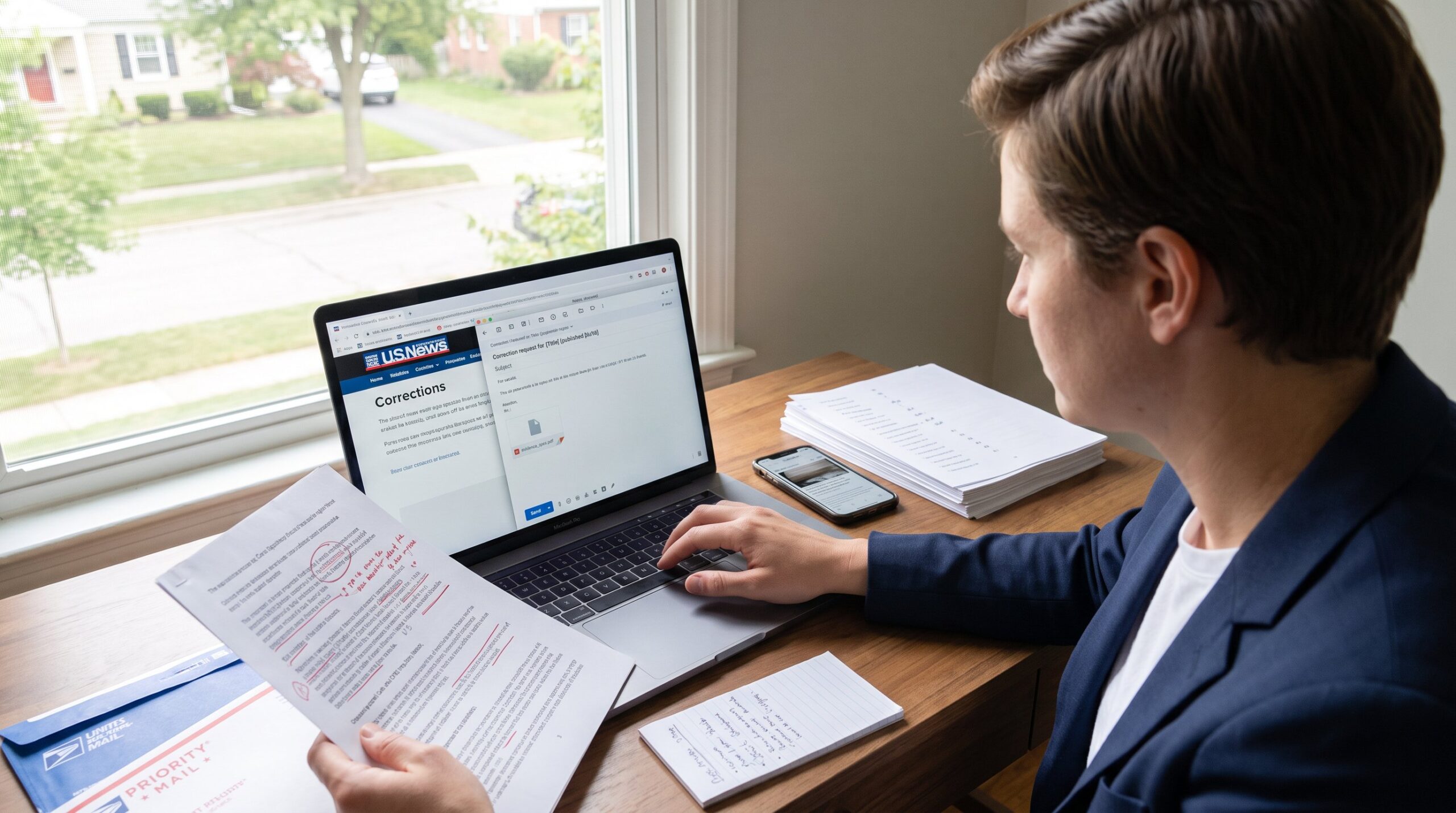
- Email: detailed corrections, multiple attachments, or legal/technical evidence. It creates a timestamped record. Use subject lines like “Correction request for [Title] (published [date]).”
- Correction forms: use when the publishers policy requires a form. These forms feed into editorial workflows and often include fields for evidence and author attribution.
- Social media and public comments: useful to flag urgency and get attention, but always follow with private documentation. Public channels lack the privacy and structured evidence that editors need.
- Phone or postal mail: reserved for escalation, legal notices, or when the publisher explicitly asks for written correspondence.
A practical tip: copy both the author and the corrections or editorial address on the email. That alerts the writer while ensuring the editorial team receives the report. For technology and gaming corrections specifically, linking the correction to the relevant topic cluster can help editors route the report to the right specialist: for example, link to a related resource like the sites help overview when the issue affects how-to instructions: help overview.
Email Template: A Clear, Concise Message Editors Will Read
Use a short, structured message editors can scan in 30 seconds.
Subject: Correction request for [Title] (published [date])
Opening sentence (fact up front): I am reporting an error in [Title] by [Author], published [date].
Body structure:
- Location: “Page 14, paragraph 2” or “URL and timestamp: /article.html at 02:13.”
- Incorrect text: quote the exact phrase.
- Problem description: one sentence explaining why its incorrect.
- Proposed correction: the exact replacement sentence.
- Evidence: attach a screenshot, PDF, or link to a primary source.
Closing: Please confirm receipt and let me know if you need anything else. Name, role (reader/researcher), and contact phone or email.
Example opening: “I found a factual error in the header image caption on page 3: it lists the GPU as 3070 Ti: the product spec sheet shows RTX 4070. I attach the spec sheet and suggest replacing the caption with: ‘NVIDIA RTX 4070 (manufacturer spec).'”
Keep attachments limited and clearly labeled. If sending more than three files, compress them into one ZIP and describe the contents in the email body.
Contact Forms, Comments, And Social Media: Tips For Public Channels
If a publisher uses a formal corrections form, complete every field and upload evidence. Forms often route directly to the corrections desk and may be required for record-keeping by large outlets.
Public comments and social media can escalate attention but carry risk. Public posts expose private information and may provoke unproductive discussion. Use public channels only to alert the newsroom, then send full details privately. When using social platforms, mention the verified account of the outlet or editor and keep the public post short and factual. Example: “Possible error in article title: Ive emailed supporting docs.” Then follow up with the full report via email or form.
For community-focused sites and gaming forums, include the specific thread or post link and a clear summary: moderators often forward well-documented reports to editors. If a publisher provides a dedicated help center, follow that workflow: it improves traceability and speeds resolution. A practical reference for how major tech publications present help and corrections routes is their help centers: one such organized example is CNETs help center for reporting errors and reaching editors, which outlines both public and private contact methods: help center.
Warning: do not post sensitive personal data publicly. If the issue involves privacy or legal risk, use secure, private channels and consider seeking legal advice before posting.
Conclusion
Editors respond fastest to concise, evidence-backed correction requests sent through their designated editorial channels. Prepare the exact location, quote the text, provide a proposed fix and attach primary evidence. Use email for full reports, forms when required, and public channels only for escalation. A calm, factual approach increases the chance the publisher will confirm and correct the record.