What to Check When Following an Online Tech Tutorial is a practical question before anyone copies commands or changes settings. The safest approach is to verify the tutorial’s source, confirm the exact prerequisites and tools, and prepare backups or a test environment. This article gives a compact, step-by-step checklist readers can use immediately to reduce mistakes, avoid downtime, and spot outdated or risky instructions.
Key Takeaways
- Verify the credibility and currency of online tech tutorials by checking authorship, publication date, and cited sources to avoid outdated or unsafe instructions.
- Confirm that your environment matches the tutorial’s prerequisites, including OS version, software tools, permissions, and command syntax, to ensure compatibility and success.
- Always prepare backups and use test or sandbox environments before applying changes to prevent data loss and reduce downtime.
- Read and understand every tutorial step before executing commands, especially those involving destructive actions or elevated privileges.
- Copy and verify commands safely by reviewing scripts and checksums, and prefer vendor-signed downloads to maintain system integrity.
- Maintain a clear rollback plan detailing restoration steps to quickly recover from errors or unintended consequences.
Verify Source Credibility and Tutorial Currency
Start with this fact: trusted, current tutorials reduce the chance of breakage and wasted time. When someone asks what to check when following an online tech tutorial, the first actions are to confirm who wrote it, where it was published, and when it was updated.
Check author and publisher. Look for authors with identifiable profiles: LinkedIn, GitHub commits, or company pages. A named engineer at a well-known vendor carries more weight than an anonymous blog post. Domain reputation matters too: established tech sites and vendor documentation tend to be revised and corrected quickly.
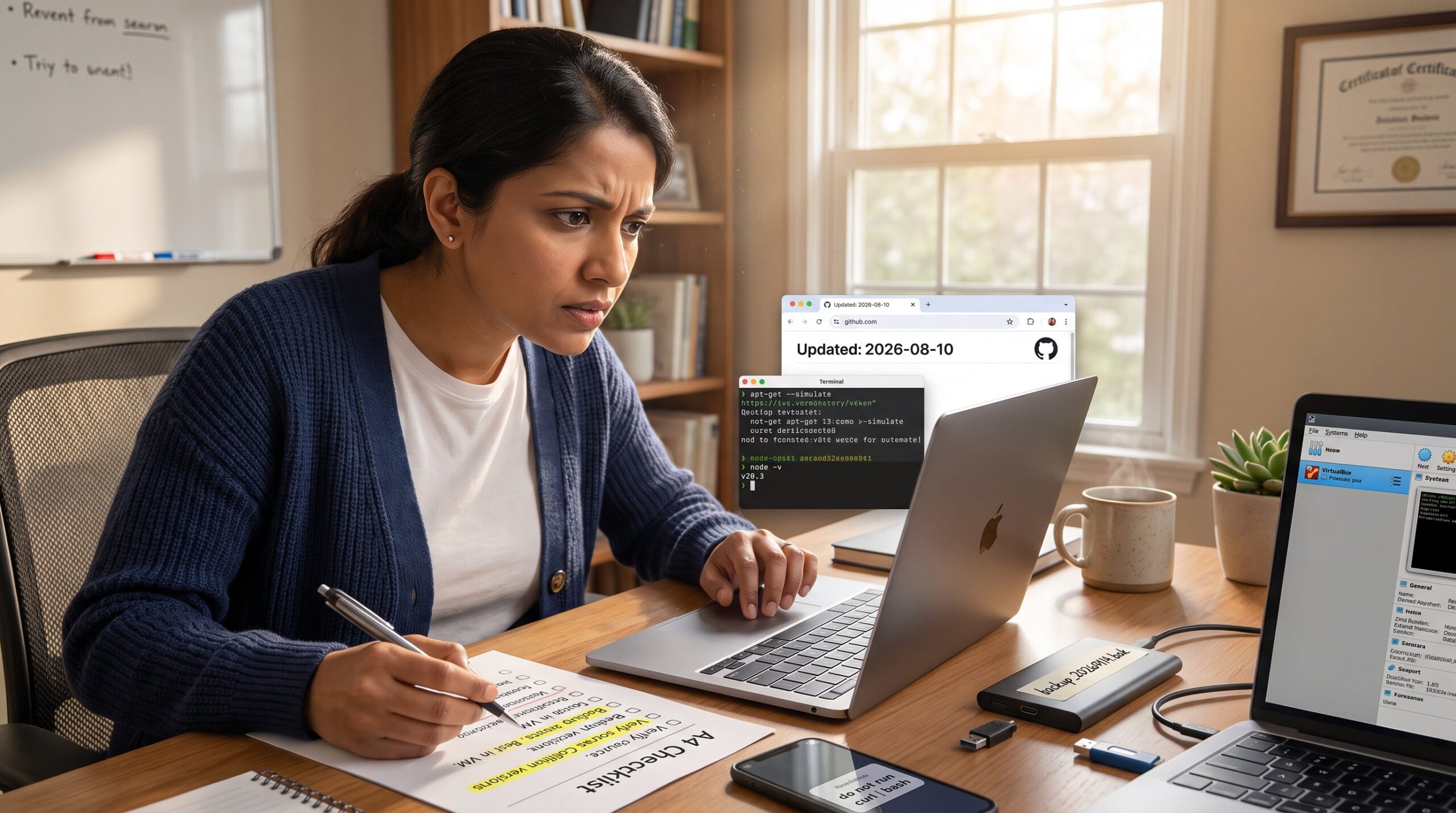
Verify dates and versions. Always find the publication date and a last-updated timestamp. If the tutorial modifies system files, calls APIs, or uses package names, a three-year-old guide can break modern setups. Prefer tutorials that list release numbers or versions, for example, “Ubuntu 22.04” or “Node.js 20.3”, so the reader knows the exact context.
Look for primary sources and citations. Reliable tutorials cite vendor docs, GitHub repos, or official release notes. That citation gives a clear trail for verification. If a step references an API or CLI flag, the reader can confirm the value against the vendor’s documentation.
Watch for signals of automation or policy changes. Platforms like YouTube or social sites sometimes shift rules about generated content and deceptive editing. For example, recent reporting on platform policy updates highlights how creators label (or fail to label) AI-assisted content. Readers should treat videos without clear sourcing with extra caution, verify commands in a terminal before running them.
Practical check: find at least two corroborating sources. If two independent tutorials or an official doc confirm the same commands or configuration paths, the instruction is likely current and safe.
Links in context: when comparing site-wide how-to coverage or looking for core resources, readers may consult a broader overview such as the site’s editorial hub that explains how the platform curates tech guides.
Confirm Prerequisites, Tools, and Your Environment
Fact first: mismatched environments are the most common reason tutorials fail. Before starting, verify your OS, software versions, hardware, permissions, and any required accounts.
List exact prerequisites. The reader should extract every named dependency: OS version (Windows 11 22H2, macOS 14.0), runtime (Python 3.11), package names, and required libraries. If a tutorial calls for “install package X,” confirm the package name in your package manager, names sometimes differ across distributions.
Compare file paths and command syntax. Tutorials often use example paths like /etc/config or C:Program FilesApp. The reader must adapt those to their environment. A quick mismatch, wrong path or missing quote marks, can cause scripts to fail or target the wrong files.
Verify required access and services. Determine if the tutorial assumes admin/root privileges, shell access, cloud console access, or paid services. If the guide assumes a cloud VM or an enterprise license, attempting the steps on a local laptop will fail. The reader should note commands that include sudo, rm -rf, chown, or force flags: those imply elevated privileges.
Test package names and commands in a safe way. Instead of running a destructive command, the reader can run a non-destructive variant or a dry-run flag if available (for example, apt-get –simulate or rsync –dry-run). This confirms syntax without changing the system.
Concrete example: a writer followed a Docker tutorial that assumed Docker Compose v1.29. The reader’s host had Compose v2.2 and different file keys: commands failed and containers wouldn’t start. The lesson: match the version and file format before proceeding.
Small checklist the reader can use:
- Record OS and kernel: uname -a or systeminfo.
- Note language runtime: node -v, python –version.
- Check package manager: apt-cache policy package-name or brew info package.
- Confirm permissions: id or whoami and test a safe command with sudo -n.
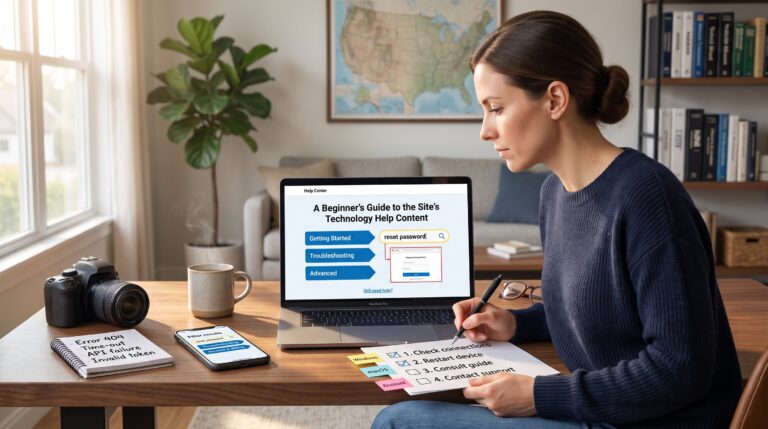
Internal links: for readers exploring more basic site help or how the site structures beginner resources, the article links naturally to a beginner help guide that explains environment assumptions and typical prerequisites.
Practical warning: never assume defaults. If the tutorial omits version numbers or environment details, pause and ask for clarifications or look for an alternate guide that lists them clearly.
Follow Safety, Backup, and Risk-Mitigation Practices
Key point up front: backups and tests save hours and prevent data loss. Before following a tech tutorial that touches files, storage, or systems, create recoverable backups and a rollback plan.
Back up precisely. For files, make complete copies with dates in filenames (example: config.yml.20260914.bak). For databases, export a dump with a timestamp and store it in a different disk or cloud account. Concrete numbers help: keep at least two independent copies, one local, one offsite, and retain at least one prior working snapshot.
Use a sandbox or staging environment. The reader should reproduce steps on a VM, container, or staging account whenever possible. Virtual machines allow snapshots: for instance, a Hyper-V or VirtualBox snapshot lets the reader revert in under two minutes if something breaks. When tutorials interact with production data, testing in a non-production account reduces risk dramatically.
Read every step before executing. This single habit prevents accidental destructive commands. Look for words like delete, overwrite, rm, format, –force, and –no-preserve-root, and flag them as requiring an extra verification step.
Copy and verify commands safely. Instead of piping commands from a webpage directly into a shell (curl | bash), copy into a text editor first. Confirm the command’s intent. If a command downloads and runs a script, check the script’s contents and verify checksums or signatures when available.
Use trusted downloads and verify integrity. When downloading binaries or packages, prefer vendor-signed packages or check SHA256 checksums. If a tutorial links a binary without checksum, the reader should download from the vendor site or a verified repository instead.
Prepare a rollback plan. Note exactly how to restore backups and which services to restart. For example, write down commands to restore a config file, reload a daemon, or restore a database dump. An explicit plan reduces panic and recovery time.
Helpful references: when readers need straightforward backup techniques, curated guides on safe backups can validate best practices: reliable articles outline offline copies, versioning, and encryption for backups.
Internal links: readers seeking quick network verification techniques can find a short walkthrough on connection checks, useful before remote deployments.
External validation: for a high-level view of modern platform policy concerns, which can affect tutorial trustworthiness on social sites, readers may consult a recent write-up on YouTube policies that explains how platform-level changes affect creator transparency.
Vulnerable moment: one technician skipped snapshots to save time and lost three hours rebuilding a VM after a mis-typed dd command wiped the wrong disk. The time saved upfront cost far more in recovery. Take the snapshot.
Conclusion
Checklist summary: check source credibility and currency, match prerequisites to the reader’s environment, and reduce risk with backups, testing, and a rollback plan. When in doubt, stop, verify, and test in a safe space before making permanent changes. For readers building a habit, the site’s cluster of how-to guides offers practical, stepwise help for safe tech work.