How to compare gaming reviews before buying a new title matters more now than ever. They cut through marketing blur and reveal real playtime, technical issues, and long‑term value. This guide gives a tight checklist, source ranking, bias tests, and timing tactics so readers make smarter buys in 2026 without wasting money on broken ports or empty live‑service promises.
Key Takeaways
- Effective gaming reviews clearly state the platform, playtime, and game patch to ensure accurate assessments.
- Use a combination of major outlets, aggregators, and community platforms to get a balanced view on new titles.
- Evaluate reviewer credibility by checking their experience, transparency about sponsorships, and use of objective metrics.
- Watch for red flags like missing specifics, marketing language, or extreme scores without evidence in reviews.
- Compare critic and player scores side-by-side and investigate significant discrepancies to uncover potential issues.
- Consider community feedback, mod support, and developer patch frequency to gauge a game’s long-term value before buying.
Quick Review Checklist: What Every Review Should Tell You
Fact first: a trustworthy review states platform, playtime, and patch version up front. Readers should see facts like “40 hours on PS5, patch 1.04” or explicit frame‑rate tests. Good reviews list core topics: gameplay systems, performance (fps, crashes), story beats, and perceived value. They include concrete evidence, screenshots, benchmark numbers, or video clips, rather than vague praise.
Practical items to tick off when reading a review:
- Platform and build: which console/PC and patch number. This matters for ports and hotfixes.
- Playtime with context: whether the reviewer finished the campaign or only tested early access.
- Performance metrics: average fps, resolution, load times, and any stuttering examples.
- Gameplay specifics: difficulty curve, core loop, and mode variety (co‑op, endgame).
- Replayability and content roadmap: whether the game has mods, DLC plans, or seasonal updates.
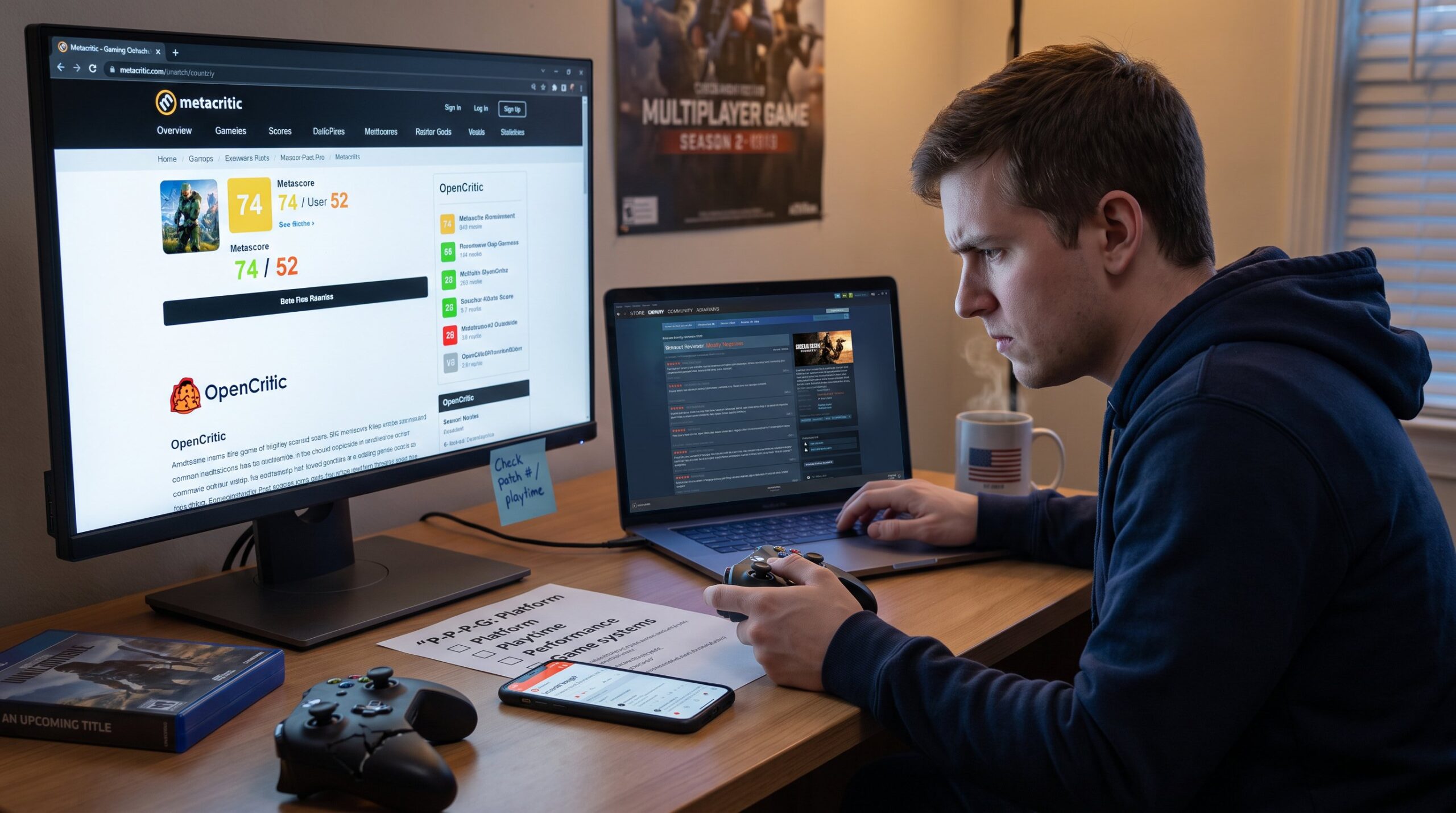
A quick mnemonic: P‑P‑P‑G (Platform, Playtime, Performance, Game systems). If a review misses two of those, it should be treated cautiously. For more background on long‑form content and site coverage, consult the site guide.
Best Sources For Reliable Gaming Reviews (Where To Look And Why)
Answer up front: use a mix of major outlets, aggregators, and community platforms. Major outlets like IGN, GameSpot, and Eurogamer run formal tests and editorial standards: aggregators like Metacritic and OpenCritic show consensus: community hubs such as Steam and Reddit reveal real‑time player experience.
Why mix them? Professional reviews give standardized testing and context. Aggregators expose score dispersion: a 20‑point critic‑user gap warns of mismatch. Community platforms surface repeatable bugs and server problems after launch. For genre‑specific picks try specialized outlets rather than a one‑size approach.
Practical reading plan:
- Read one longform review from a major outlet for depth.
- Check Metacritic/OpenCritic numbers for the critic consensus.
- Scan Steam recent reviews for patch‑effected sentiment.
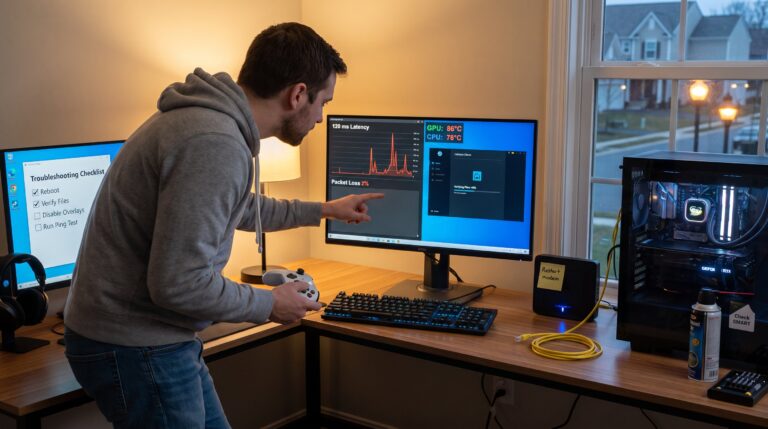
- Visit Reddit threads and platform forums for reproducible technical reports.
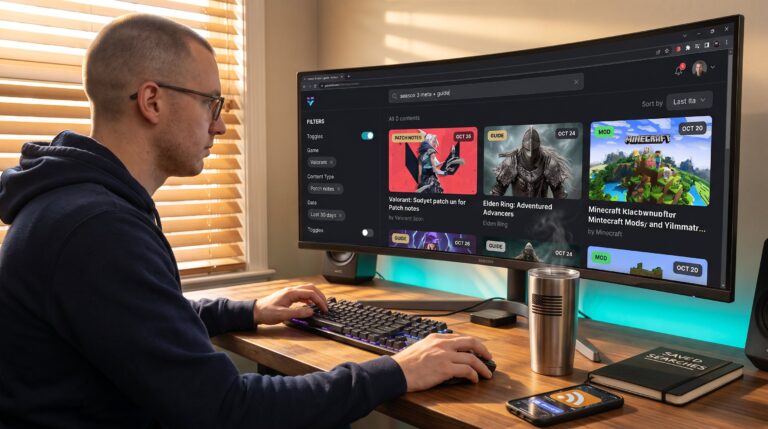
For fast comparisons of new releases and how they impact players, see coverage of recent releases.
Evaluate Credibility And Recognize Biases
Clear answer: credibility depends on track record, transparency, and testing rigor. A credible reviewer states experience with the genre, discloses review copies or sponsorships, and shows measurable tests. They also publish follow‑ups when patches change the picture.
How to verify credibility quickly:
- Check the reviewer archive: do they cover similar games consistently? Genre expertise matters.
- Look for disclosure: did they get a review key, or is it a paid piece? Transparency reduces hidden bias.
- Compare language patterns: nostalgia phrases (“felt like my childhood”) can signal personal bias: instead expect objective metrics.
A common vulnerable moment: trusted sites occasionally publish optimistic launch reviews after limited server tests. When that happens, readers who relied only on early impressions faced refunds and hours lost. Readers should favor outlets that revise scores or publish correction notes when reality changes.
Balance skepticism with fairness: a reviewer who consistently calls out big releases when warranted is often more trustworthy than one who never publishes negative takes.
Red Flags To Watch For In Reviews
Quick fact: red flags are missing specifics, unsigned pieces, and marketing tone. If a review reads like a press release, it likely lacks critical distance.
Top red flags:
- No platform or patch stated. Without that, performance claims are meaningless.
- No playtime or vague claims like “I tried it a bit.” That hides depth of coverage.
- Excessive marketing language and no concrete negatives. Real reviews show pros and cons.
- Extreme scores without supporting evidence. A 9/10 claim should cite mechanics or systems that earned it.
A real example: a reviewer gave a day‑one live‑service title a glowing score but omitted persistent server errors later reported by 2,300 Steam reviews. That mismatch signaled either limited testing or selective reporting. Use the checklist earlier to filter these pieces quickly.
Comparing Scores, Features, And Replayability—A Side‑By‑Side Approach
Direct answer: compare scores and read the extremes to find friction points. When critic scores and player scores diverge by 20+ points, investigate why. The gap often points to technical issues, monetization backlash, or unmet expectations.
How to build a side‑by‑side comparison table mentally or on paper:
- Column A: Metascore/OpenCritic average and sample size.
- Column B: Steam recent vs all‑time user sentiment and top recurring complaints.
- Column C: Feature checklist, modes, length, co‑op, endgame systems.
- Column D: Replayability indicators, mod tools, community servers, leaderboard activity.
Concrete numbers matter: note critic sample sizes (e.g., 45 reviews) and Steam review counts (e.g., 12,400 reviews recent). Reading both the top and bottom credible reviews reveals whether complaints are isolated or systemic. For marketplace and trading context tied to player economies, consult the PlayHub marketplace.
Community Feedback, Mods, And Post‑Launch Support—Why They Matter
Fact: community activity and mod support extend a game’s lifespan and often fix shortcomings the developer missed. Active modding communities can add hundreds of hours and repair balance issues: consistent developer updates indicate a healthier long‑term experience.
What to check and where:
- Steam recent reviews after patches to see if fixes landed.
- Mod activity counts on Nexus or Steam Workshop (number of downloads, update frequency).
- Developer patch cadence: a clear timeline of hotfixes and content updates shows commitment.
A concrete scenario: a launch with 5,000 negative reviews due to crashes saw developer patches over three months that cut crash reports by 80% and shifted recent reviews to positive. That turnaround demonstrates why waiting can be worthwhile.
For guidance on which games to try that often have vibrant communities, see the game suggestions.
Price, Platform, And When To Buy: Timing Your Purchase Smartly
Straight answer: wait for a stable patch or a sale unless the game’s social window matters. Day‑one purchases carry higher risk because server loads and launch bugs can skew early impressions.
Timing tactics:
- Day‑one buy only if the experience is time‑sensitive (multiplayer season launch) and reviews show stable servers.
- Two‑week rule: check Steam recent reviews and a follow‑up from a major outlet after two weeks for corrected assessments.
- Sales strategy: note historical discount windows, many AAA titles hit 30–50% off within six months.
- Platform selection: consult technical port analyses for frame pacing and resolution issues before choosing PC or console.
Practical numbers: if a title receives a 30% improvement in recent Steam sentiment after three patches, waiting saved many players hours of frustration. For laptop players tracking performance benchmarks, consult the curated laptop gaming list. For broader tips on finding current articles and coverage rhythm, reference the short guide on how to find latest articles.