
Remote work has become a standard part of modern business operations, offering flexibility and access to global talent. However, managing devices, securing data, and maintaining productivity across distributed teams can be challenging. Microsoft Intune provides a powerful solution for device and endpoint management. With the right support, businesses can use their capabilities to create a secure, efficient remote work environment.
Strengthening Device Management with Microsoft Intune Support in London
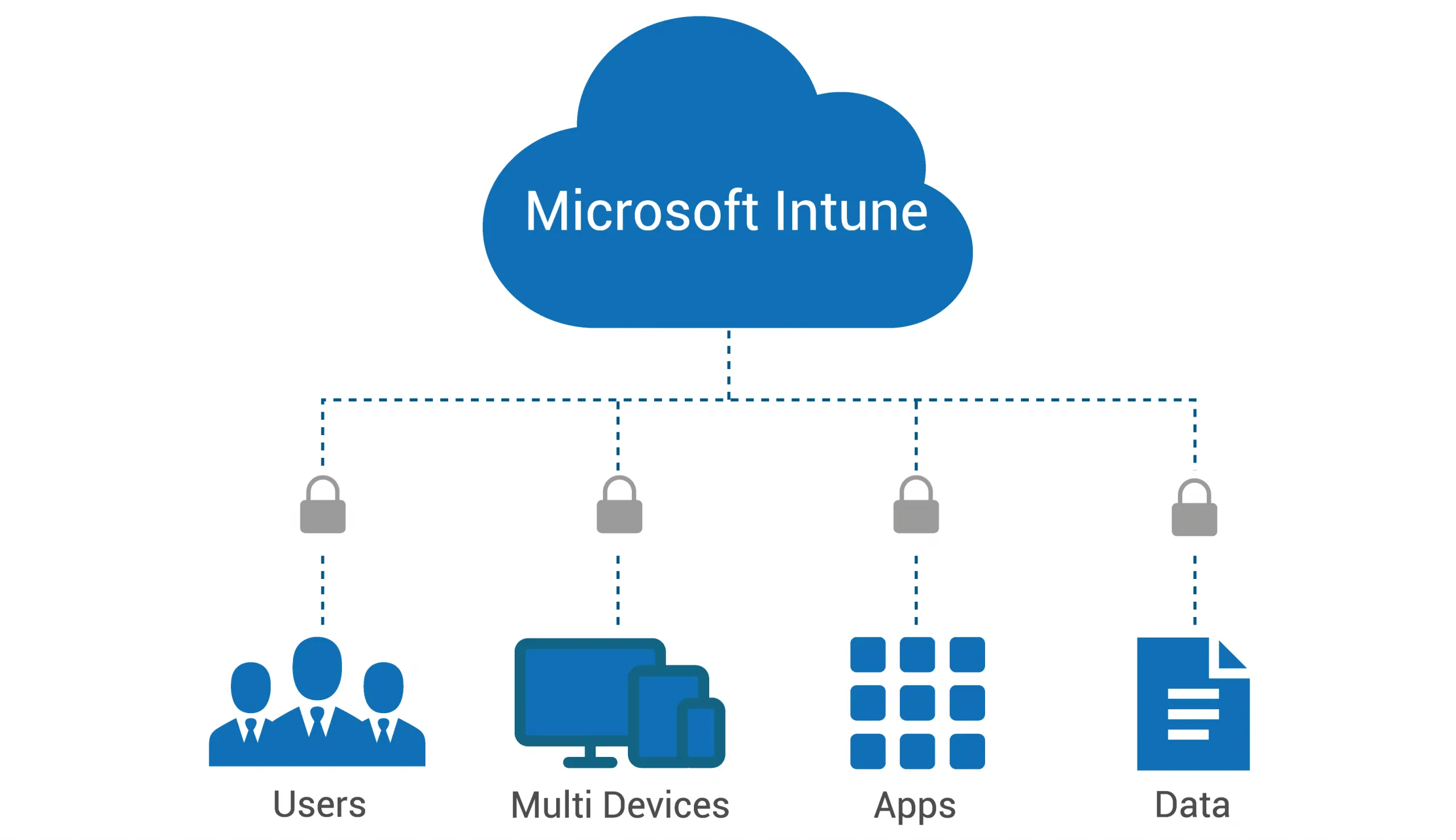
Managing multiple devices across different locations can quickly become complex. Services like Microsoft Intune support London, helping businesses centralize device management and ensure that all endpoints—from laptops to mobile devices—are properly configured and monitored.
This centralized control allows IT teams to enforce policies, deploy updates, and manage applications remotely. As a result, employees can work from anywhere without compromising system performance or security.
Enhancing Security Across Remote Teams
Security is one of the biggest concerns for remote workforces. Devices connecting from various locations increase the risk of unauthorized access and data breaches.
Microsoft Intune support helps enforce strong security measures, including device compliance policies, encryption, and multi-factor authentication. It also enables businesses to remotely wipe data from lost or compromised devices, protecting sensitive information.
By maintaining consistent security standards across all endpoints, organizations can reduce risks while supporting flexible work arrangements.
Simplifying BYOD (Bring Your Own Device) Policies
Many remote employees use personal devices for work, which can create challenges in maintaining security and compliance. Intune support makes it easier to implement and manage BYOD policies without compromising user privacy.
It allows businesses to separate personal and work data, ensuring that corporate information remains secure while employees retain control over their personal files. This balance encourages adoption while maintaining strong data protection standards.
Improving Productivity and User Experience
A well-managed device environment directly impacts productivity. When devices are properly configured and maintained, employees can focus on their work without technical interruptions.
Microsoft Intune support ensures that applications are deployed seamlessly, updates are handled efficiently, and devices perform consistently. This reduces downtime and enhances the overall user experience.
Additionally, employees can access the tools they need from any location, enabling smoother collaboration and more efficient workflows.
Ensuring Compliance and Scalable Growth
Compliance with industry regulations is essential, especially for businesses handling sensitive data. Intune support helps organizations meet these requirements by enforcing security policies and maintaining audit trails.
As businesses grow, their IT needs evolve. Microsoft Intune provides a scalable solution that can adapt to changing requirements, whether it’s onboarding new employees, adding devices, or expanding operations.
Final Thoughts
Microsoft Intune is a powerful tool for managing remote workforces, but its true potential is unlocked with the right support. From enhancing security and simplifying device management to improving productivity and ensuring compliance, the benefits are significant.
By investing in professional support services, businesses can create a secure, flexible, and efficient remote work environment that supports long-term success.