Gaming has evolved far beyond sitting in front of a console or PC and playing a self-contained experience. Today, players download massive updates, compete in real time with people around the world, stream gameplay, use cloud saves, communicate through voice chat, and increasingly access games across multiple devices. Behind all of these experiences is one factor that is easy to overlook until it fails: a reliable internet connection.
For gamers who travel frequently, attend gaming events, or simply need dependable connectivity away from home, choosing the right mobile data option can make a meaningful difference. Services such as Holafly offer an eSIM-based approach to staying connected while travelling, allowing compatible devices to access mobile data without relying entirely on public Wi-Fi.
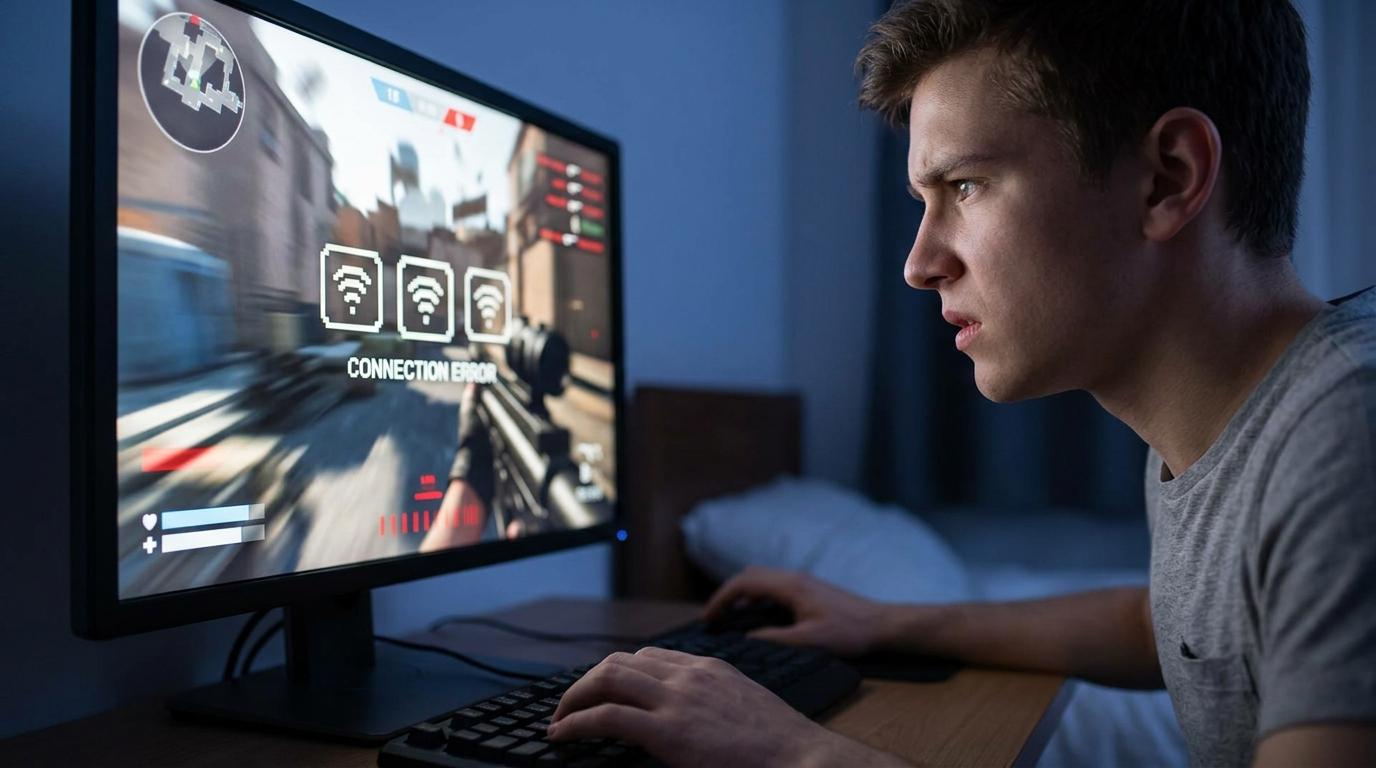
But connectivity is about more than having an internet signal. For modern gaming, the quality of that connection—particularly latency, stability, speed, and consistency—can directly affect how smoothly online services work.
Why Internet Connectivity Matters More Than Ever for Gamers
A modern game can depend on the internet in several different ways.
Online multiplayer obviously requires a connection to communicate with game servers and other players. However, even single-player games may rely on online authentication, cloud synchronization, downloadable content, automatic updates, or connected features.
This creates several potential problems when connectivity is unreliable:
The important point is that internet speed is only one part of the equation. A connection can have high download speeds and still perform poorly for gaming if latency or stability is inconsistent.
Speed vs. Latency: What Gamers Should Understand
Internet speed is usually measured in megabits per second (Mbps). It describes how much data a connection can transfer over a given period.
Latency is different.
Latency measures how long it takes data to travel between your device and the destination server. It is generally measured in milliseconds (ms).
For competitive gaming, latency can be especially noticeable.
Imagine pressing a button to perform an action in an online game. Your device sends information to the server, the server processes it, and information is returned to your device. A connection with low and consistent latency can make this interaction feel more responsive.
A fast connection with unstable latency may produce a very different experience.
Download Speed
Download speed matters when:
Modern games can require substantial downloads, so faster speeds can reduce waiting time.
Upload Speed
Upload speed matters when:
Streamers in particular need sufficient upload capacity because their devices continuously send data to streaming platforms.
Latency
Latency matters heavily in interactive applications.
A low-latency connection generally produces faster communication between your device and the server, while high latency can make interactions feel delayed.
Stability
Perhaps most importantly, a connection needs to remain stable.
A connection that repeatedly drops or fluctuates can be frustrating even when its advertised speed looks impressive.
Public Wi-Fi Isn’t Always the Best Gaming Solution
When travelling, public Wi-Fi may seem like the easiest way to get online. Hotels, airports, cafés, restaurants, and gaming venues frequently provide wireless access.
However, public networks can become congested when many people use them simultaneously.
There can also be practical limitations. Some networks require repeated authentication, impose usage restrictions, block certain services, or provide inconsistent performance.
For casual browsing, these limitations may not matter much.
For an online multiplayer session, they can become considerably more noticeable.
Gamers should therefore treat public Wi-Fi as one connectivity option rather than automatically assuming it will provide the best experience.
The Role of Mobile Data in Gaming
Mobile networks provide another way to connect gaming devices.
Smartphones can connect directly to cellular networks, while laptops and other compatible devices can sometimes use mobile hotspots or dedicated cellular hardware.
This can be particularly useful when travelling because the player does not have to depend entirely on the availability of a trustworthy Wi-Fi network.
However, mobile performance varies significantly according to location, network coverage, congestion, device compatibility, and local infrastructure.
A strong signal does not necessarily guarantee perfect gaming performance, either. Network conditions can change as you move between locations.
eSIM Technology and the Modern Traveller
Traditional physical SIM cards have been used for decades, but eSIM technology provides a different approach.
An eSIM is an embedded SIM that allows compatible devices to activate a mobile plan digitally without inserting a physical SIM card.
For international travellers, this can simplify connectivity.
Instead of searching for a physical SIM after arriving in another country, travellers may be able to arrange a compatible mobile data plan digitally and activate it on a supported device.
This can be useful for gamers travelling to tournaments, conventions, esports events, or simply taking a gaming laptop or smartphone on holiday.
Gaming While Travelling: A Practical Connectivity Checklist
Before travelling, gamers can take several simple steps to reduce connectivity problems.
1. Check Device Compatibility
Not every smartphone, tablet, laptop, or gaming device supports eSIM technology.
Check the manufacturer’s specifications before purchasing a mobile plan.
2. Check Network Coverage
A mobile plan is only useful if the underlying network provides suitable coverage in the areas you intend to visit.
Consider both your destination and the places where you expect to spend time.
3. Download Games Before Travelling
If possible, install major games and updates before leaving home.
This reduces your dependence on unfamiliar networks after arrival.
It is especially useful for large titles that can require substantial downloads.
4. Update Your Games in Advance
Game developers frequently release patches, security updates, balance changes, and downloadable content.
Updating everything before travelling can prevent an unexpected multi-gigabyte download when you’re trying to play.
5. Keep Offline Games Available
Even if you expect excellent connectivity, having a few offline games installed provides a useful backup.
Flights, trains, remote locations, and congested networks can all create situations where online gaming isn’t practical.
6. Carry a Charging Solution
Mobile gaming and hotspot use can consume battery quickly.
A portable power bank can therefore be just as useful as a backup connectivity option.
Why Latency Can Change During Travel
Gamers sometimes assume that latency depends exclusively on their internet provider.
In reality, physical distance and network routing also matter.
If a player is connecting to a server located thousands of kilometres away, the data has farther to travel. Network infrastructure between the player and server can also influence the route.
This means a connection that performs extremely well at home may behave differently when the player is travelling internationally.
For competitive players, selecting game servers geographically close to their current location can sometimes make a noticeable difference.
Mobile Gaming vs. Cloud Gaming
Cloud gaming introduces another layer of dependence on connectivity.
Instead of rendering the entire game locally, cloud gaming services process much of the workload remotely and stream the resulting experience to the player’s device.
That makes network quality particularly important.
A player needs enough bandwidth to receive the video stream while also maintaining sufficiently low and stable latency for controls to feel responsive.
A temporary connection problem can therefore affect not just downloads or matchmaking, but the actual gameplay experience.
As cloud gaming becomes more accessible, connectivity will remain an important part of the overall gaming equation.
What About Gaming on a Smartphone?
Smartphones have become legitimate gaming platforms rather than simply secondary devices.
Modern mobile games can include real-time multiplayer modes, high-quality graphics, cloud synchronization, voice communication, and competitive ranking systems.
For mobile gamers, cellular connectivity can therefore be just as important as Wi-Fi.
A stable mobile connection can make it easier to play while commuting, travelling, waiting at an airport, or spending time somewhere without reliable wireless internet.
However, gamers should also monitor battery consumption and data usage, particularly when using mobile networks for extended sessions.
Protecting Yourself on Public Networks
Connectivity should never come at the expense of security.
Public networks can expose users to additional privacy and security risks, particularly when devices are configured carelessly.
Gamers should follow basic precautions:
Security is particularly important because gaming accounts may contain purchased games, digital items, personal information, and payment details.
How to Diagnose a Poor Gaming Connection
If an online game suddenly starts lagging, don’t immediately assume that the problem is your internet speed.
Use a simple troubleshooting process.
Step 1: Check Whether Other Devices Are Affected
If every device on the network is slow, the issue may involve the connection itself.
If only one gaming device is affected, investigate that device first.
Step 2: Check Latency
Look at the game’s network statistics if available.
A high ping can indicate a connection or routing issue.
Step 3: Check for Background Downloads
Game launchers, operating-system updates, cloud synchronization, and other applications may consume bandwidth without being obvious.
Step 4: Try Another Server
If the game allows server selection, compare performance between geographically different servers.
Step 5: Test Another Network
If practical, compare your normal connection with a mobile hotspot or another trusted network.
This can help determine whether the problem is local to your primary connection.
The Future of Gaming Connectivity
Gaming is increasingly becoming a connected ecosystem.
Players expect their progress to follow them between devices. Multiplayer experiences connect people across continents. Streaming platforms turn individual gameplay into entertainment for global audiences. Cloud services reduce the dependence on a single physical device.
At the same time, mobile connectivity continues to expand the places where people can access digital entertainment.
The result is a gaming environment where connectivity is no longer simply an optional feature. For many players, it is part of the infrastructure that makes the experience possible.
That doesn’t mean gamers always need the fastest available connection. Instead, the goal should be appropriate performance for the type of gaming being done.
A competitive multiplayer player may care primarily about latency and stability. A single-player gamer downloading a 100GB title may care more about download speed. A streamer may need strong upload performance. A traveller may prioritize convenient access to mobile data.
Final Thoughts
Modern gaming depends on more than powerful processors, graphics cards, consoles, and displays. Connectivity has become another fundamental part of the experience.
Understanding the difference between speed, latency, stability, and coverage can help gamers make better decisions about how they connect.
For players at home, a well-configured broadband connection may provide everything they need. For travellers, mobile connectivity can provide an important alternative to unfamiliar public networks. And as cloud gaming, cross-platform services, live streaming, and connected experiences continue to develop, reliable internet access will become increasingly integrated into the way people play.
The best gaming setup isn’t necessarily the one with the biggest specifications on paper. It is the setup that provides the right combination of hardware, software, network performance, and reliability for the way you actually play.